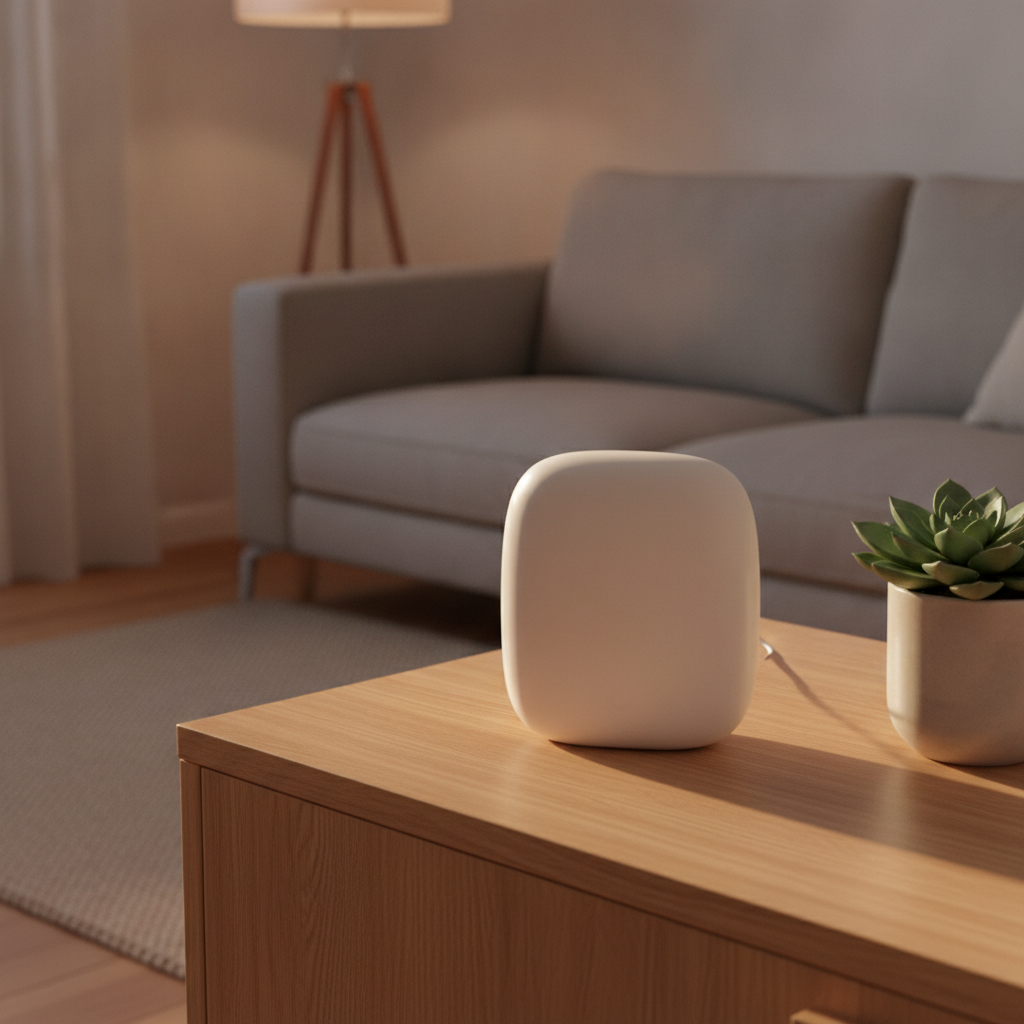
Create AI images with clearer direction and better review.
Learn how subject, composition, lighting, style and iterative feedback help turn an idea into a useful visual asset.
Explore the guide →Describe the image you actually need
Good prompts combine subject, setting, composition, mood, lighting, style and the intended use of the image.
Define the subject
Explain who or what appears and the important distinguishing details.
Control composition
Specify framing, camera angle, background and space for text.
Iterate deliberately
Change one major variable at a time and compare results.
Inspect details before using the image.
AI images may contain distorted hands, broken text, inconsistent objects or unintended visual references.
Choose an aspect ratio for the final placement.
Match colors, mood and visual language.
Zoom in on faces, hands, text and edges.
Confirm the tool terms and intended commercial use.
A practical image workflow
Brief
Define purpose, audience and dimensions.
Prompt
Describe subject, composition, lighting and style.
Refine
Iterate with focused changes and references.
Export
Review details and prepare the final file.
Keep learning practical AI
Explore the AI Tools hub for more focused guides and workflows.